The first time you use Freetrailer, you need to create an user account so we can identify and manage your booking. With your user profile, you can save your details, such as your payment method, vehicle registration number and driving license number, making it easier and faster to book a Freetrailer in the future.
To create an account, click “Sign up”. You will then see the following screen:
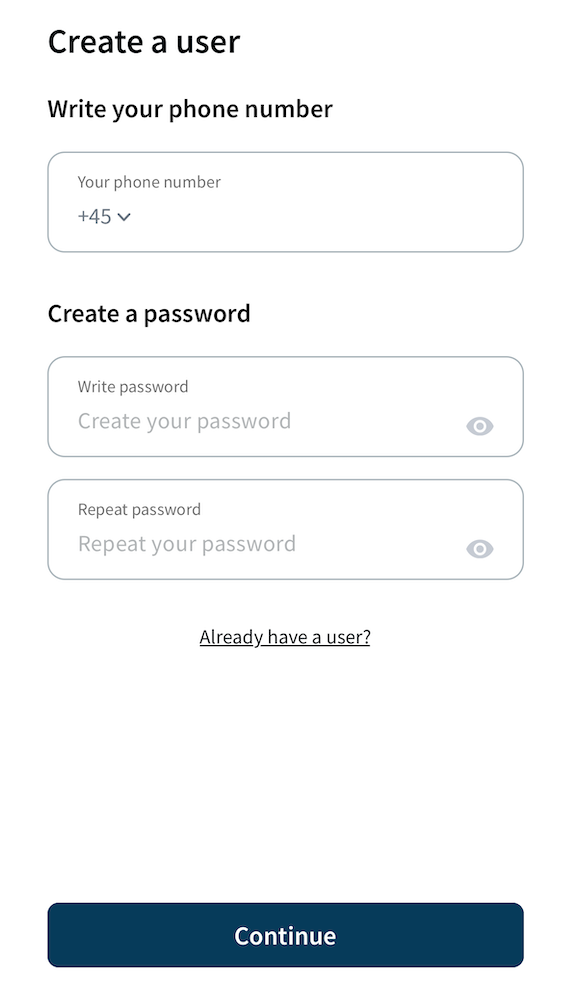
Once your user account has been created, you can log in to view your previous and upcoming bookings. Of course, you can also easily make new ones.
Have you booked via our website?
On our website, you can make a booking without creating an user account. If you have booked via our website, this therefore does not automatically mean that you already have a user profile. To unlock the trailer, you do however need to use the app and create an user account. Make sure to use the same details (phone number) you used while booking on the website, so we can identify your booking.


